On this page
- Checked
- 6 October 2026
- Confirmed workarounds
- Steam Deck EOS / Xbox entitlement
- Fix status
- No patch notes published yet
Steam Deck and Xbox: the confirmed workarounds
These are the two actions explicitly described by the developer. Match the symptom and platform before applying either one.
Scroll sideways to compare all columns.
| Platform and symptom | Official action | Scope |
|---|---|---|
| Steam Deck: game appears stuck because the EOS overlay is invisible | Press B to cancel the overlay and return to the game | Applies to the hidden-overlay symptom; not every freeze |
| Xbox: online access stays unavailable after adding the required subscription | Open the in-game party feature to trigger the online-entitlement check | Applies when the game was launched before the subscription was added |
PC display, scaling and input issues
The developer’s PC and input list identifies the following symptoms. It does not provide a tested fix for each one.
Scroll sideways to compare all columns.
| Setup or feature | Acknowledged symptom |
|---|---|
| Steam or Steam Deck | Interface Scale returns to 50% after restarting |
| PC fullscreen and app switching | Display blinking and a poorly responsive system |
| Intel Arc A580 with Resizable BAR disabled | Flickering and distorted images |
| MSAA upscale | Does not currently work as expected |
| NVIDIA 50-series with Frame Generation and DLSS | Crashes in some cases |
| Steam Controller on Steam Machine | Missing controller diagram or incorrect control glyphs |
Multiplayer and campaign symptoms
A network issue can be different from a matchmaking condition or a mode’s normal behavior. The launch-day list acknowledges these specific problems.
- After a connection drops during a party race, returning online at the Main Menu may not fully restore the original party.
- A Quick Podrace can rarely return a player to the Main Menu at the start.
- Opening Settings & Accessibility after starting a Multiplayer Tour may change the selected vehicle’s customization.
- Spectator cameras can show a vehicle upside down or below the track.
- On PS5, matchmaking may fail after the title remains idle or on standby for more than 24 hours.
- Autopilot can very rarely direct a craft onto an inaccessible route.
- A corrupted save does not always produce a notification.
Check normal party and matchmaking rules — A two-player party can need an outside player to start a fresh race; that is a documented rule, not the reconnect bug.
Report an issue the developer has not listed
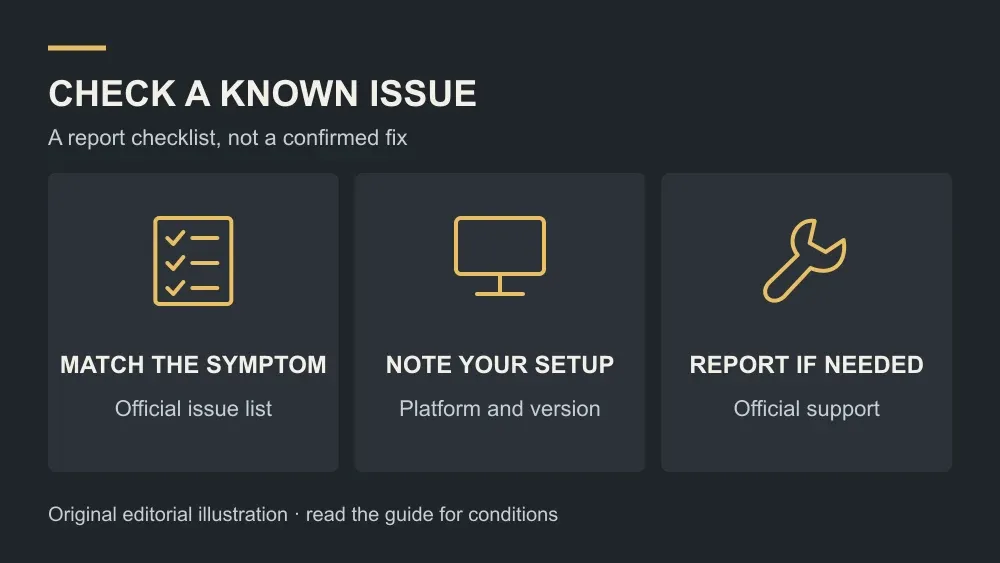
Use the official support link in the developer’s known-issues post for an unlisted problem. The preparation steps below are our reporting checklist, rather than an official troubleshooting fix.
- Compare the exact symptom with the latest official list and patch notes. The list may change after this page’s check date.
- Note your platform, game version, mode and the sequence that caused the problem. For a PC display issue, include the graphics card and relevant settings.
- If possible, attach a screenshot or a short clip that shows the problem when you submit the report through official support.
- Describe what happened and what you expected. Do not treat an unrelated community workaround as a confirmed repair.
Frequently asked questions
Is there a patch that fixes all of these bugs?
At the check time on 6 October, the official patch-notes page said no patch had been released. The known-issues list does not establish a fix date.
Does meeting the minimum PC specification prevent these problems?
No. Minimum compatibility requirements and acknowledged software bugs are separate questions. This page does not promise that a compatible system will never crash.